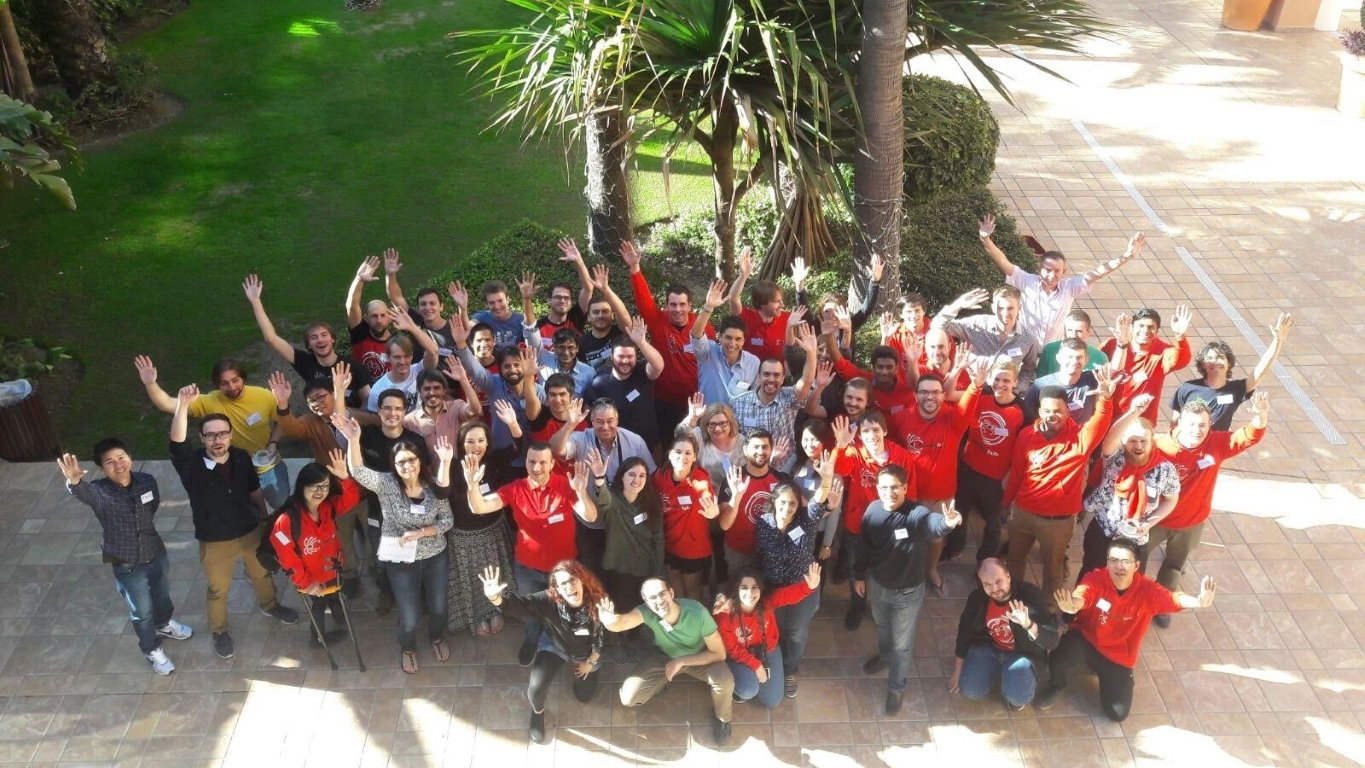
Me, My Team and The Gran Hotel Elba Estepona

Yes, you read it right! After almost 3 years of working together totally remote, I finally got to meet my awesome colleagues at Scrapinghub back in November 2017 when we had our first ever company get together in Estepona, Spain.

Estepona Sunrises are to die for.

So my flight was around 10:30 pm and I was driven to the airport by my little sister two hours before. She has staff access there and knows everybody so I got the total VIP treatment and the whole process was super comfortable for me.
(Of course It did help that I had all the documents in proper order, as airport security is no joke, no matter how important of a person you are :D)

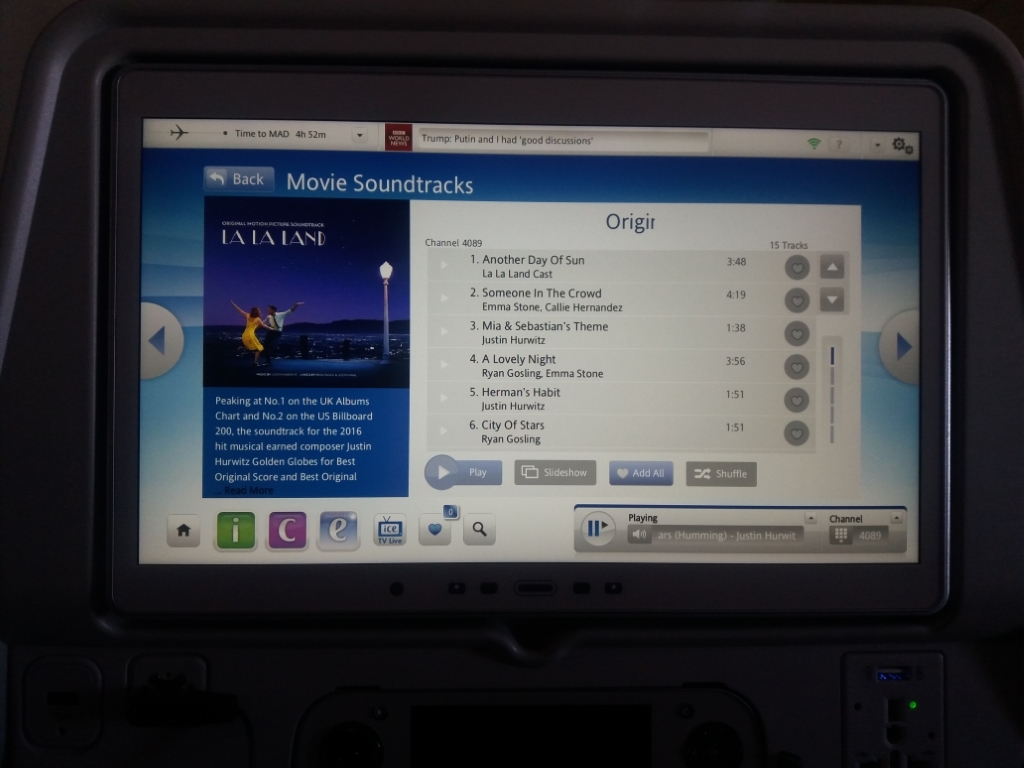
City of stars forever!

I was just about to step outside of the window for some fresh air when I saw the warning sign =)

I was driven from Malaga airport to Estepona by this wonderful gentleman with a BMW… BMW’s are somewhat of an elite vehicle in Sri Lanka and I had not been in one until this so I was pretty thrilled to have that experience.
It was a comfortable drive; took about 45 minutes to the hotel.

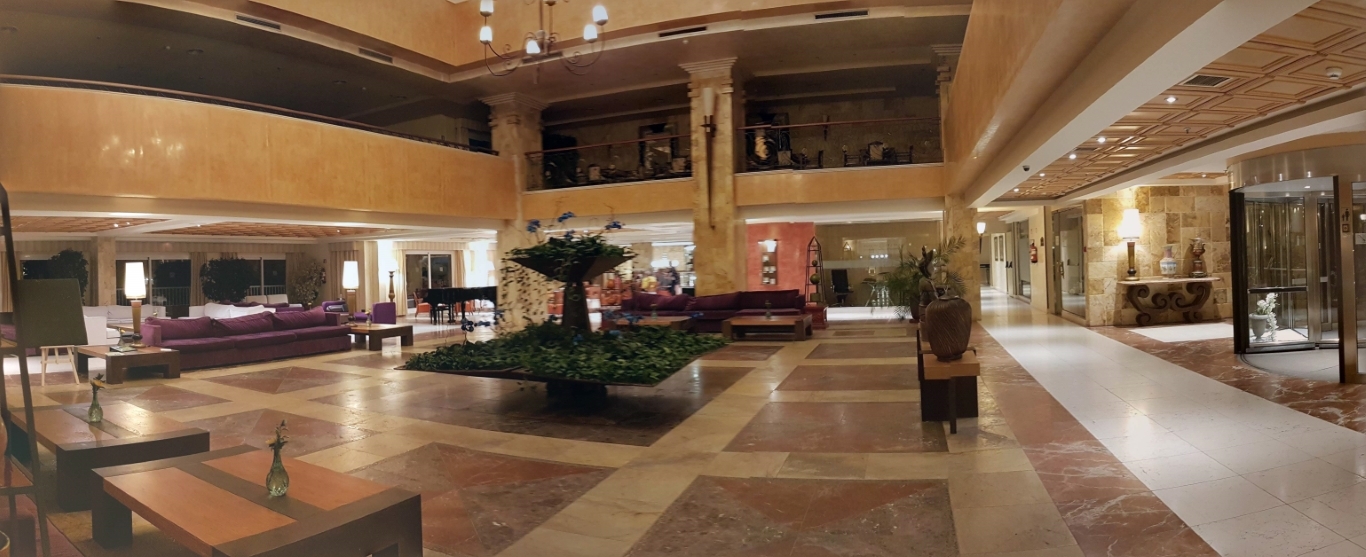
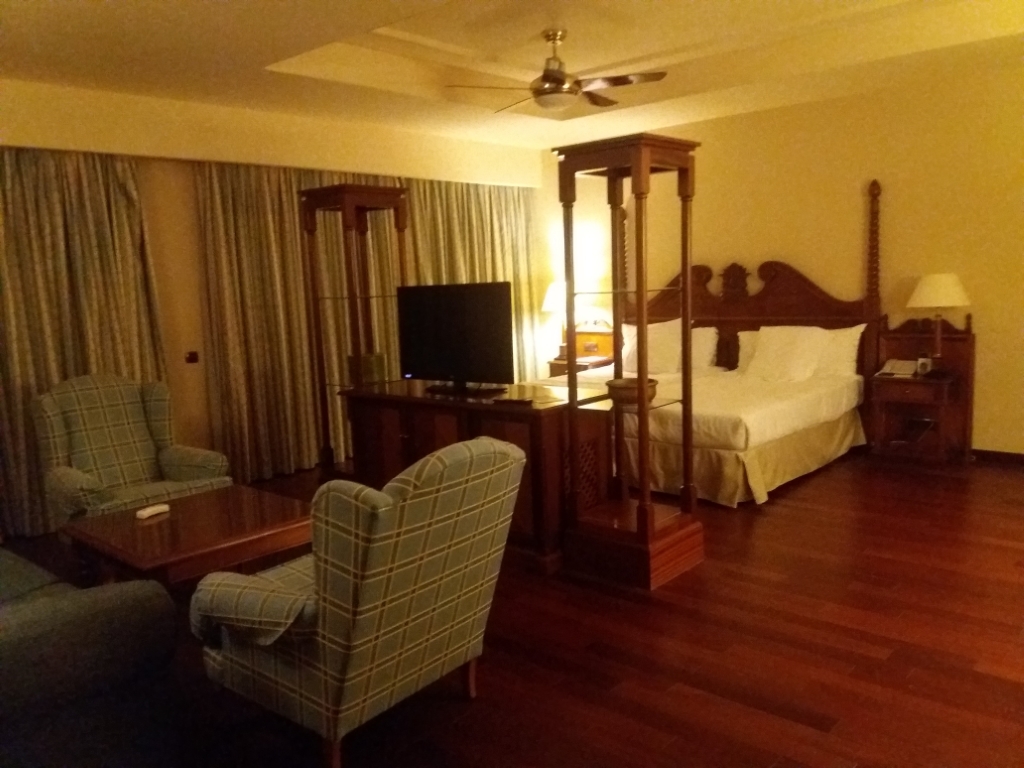
Finally we came to Elba Estepona! It looked just as magnificent as I imagined!

Main entrance was this really cool rotating door which kept the inside of the hotel away from the cold air outside.
To be continued…


As I came out of the hotel, my ride to the airport arrived and the chauffeur put all my luggage into the back of the vehicle. I turned around and took one last look at the magnificent main entrance of the Gran Hotel Elba Estepona, where I had both the most wonderful time with awesome people and also indulged in the luxuries of solitude and quiet with a view that is absolutely out of this world, and whispered to myself “Until next time!”

And then I jumped into the vehicle that was going to take me back to the airport, This time, another Sri Lankas’s favorite, a Mercedes…

Playing with pligg

So I had this idea for a small (I guess) project that uses a Digg-like voting system. I started with the Pligg CMS and messed around with it for a bit, but after two days, I decided to switch to its well-known Drupal-based rival, Drigg. Don’t get me wrong, Pligg’s a solid CMS, and I’m not saying folks should steer clear of it. But for me, it felt a bit too cluttered. 😐

What bugged me about Pligg? The code’s not super clean, you’ve got to tweak a dozen spots just to do something basic like swap a theme. The development’s not as lively as Drupal’s, which has a huge, active dev community. The karma calculation isn’t very transparent, which could be a real pain later. And the user support? It’s “known” for not really listening to feedback 😛 (though I didn’t run into that myself).
So, I jumped to Drigg, and I’m happy I did 🙂 It’s built on Drupal, and you can feel how tidy the code is. Sure, if you go for a manual install, it takes a bit to set up the modules and get Drigg running. You’ll need some Drupal basics too, but it’s honestly kinda fun to figure out, even if you’re totally new to Drupal, it’s not that tough to pick up.

Right now, I’m tinkering with the site, and I might write a post about setting up Drupal+Drigg if I find the time. Oh, and yeah, I’ll spill the beans on this project I’m working on 😛 If you’re into Free Software, you might actually dig it, heehee. But we’ll see how it goes… 😉

~SeeJay

Using Huawei E220 HSDPA modem in GNU/Linux

If you’ve been following me on Twitter, you already know I got a mobile broadband connection. If not, that’s a solid reason to follow me on Twitter. Anyway! The modem I got is a Huawei E220, and I’m stoked to say it works flawlessly on GNU/Linux. I meant to write a blog post about it earlier, but I’ve been tied up with some projects alongside our local KDE dev, Siraj 🙂 (nothing KDE-related, though).

A few days ago, I came across a blog where the owner wrote about switching to GNU/Linux. One of his worries was getting his Huawei E220 to work on Linux. Sure, it’s a breeze, but I’d hate for a new Linux user to ditch it over a little hiccup with their 3G modem 😛 I left a comment on his blog, and by the time I was done, I’d basically written a full post on how to set it up. So, I figured I’d polish it up and share it here to help anyone else struggling with 3G on Linux. Here’s my mini tutorial – tweaked a bit to fit nicely.

*******************************

The E220 works perfectly with wvdial on Ubuntu Hardy Heron.
Here’s how to do it…
(1) Plug in the modem and run
sudo wvdialconf
(2) Then edit the wvdial.conf file…
sudo vim /etc/wvdial.conf Uncomment the Username and Password lines in wvdial.conf and add this to the end: “stupid mode = yes
(3) Save the wvdial.conf file
(4) Run wvdial to connect 🙂

If you’re on Ubuntu 8.10, the Graphical Network Manager picks up the modem and hooks you up in seconds.

I usually use kppp on my Slackware setup, and it works great too. I like kppp better than wvdial since it even tracks the modem’s data usage.

*******************************
That’s it, folks! If you need help, I’m just a blog comment away!.. or hit me up with an @message on Twitter. Yep, I’m the seejay over there.

~SeeJay

Firefox Inside Firefox

Hellow Fellows!
You know that many of us spend lot of our computing time on the internet and most of that time we use Firefox tabs to open all our favorite sites and services inside Firefox right?, yes, Gmail inside Ff, Yahoo inside Ff, ebay inside Ff, Banking inside Ff ect. ect. ect… With all these favorites inside Firefox, How about opening Firefox inside Firefox? Not bad ha? and its really easy too! just type in this url in a new tab in Firefox and there you go! Firefox inside Firefox!

chrome://browser/content/browser.xul

Disclaimer: I guarantee that this will work with Firefox. But I have no responsibility of any damage that cause Internet Explorer users by Using this with IE to Open Firefox inside IE 😆
C.J.

update: feel free to visit my new blog http://seejay.net for more Firefox tricks!